


Related Tags
Entering a trade for the first time can be thrilling. As you’re frantically staring at candlesticks and charts, eyeing every movement of the market, it brings a surge of adrenaline that’s difficult to replicate.
As you can imagine, this heightened emotional state is not an optimal condition for trading successfully. Traders must leave emotion at the front door and forge a sense of discipline that’s best described as robotic and mechanical. Strict rules and complete mastery over your emotions will set you on the path to profitability.
This is where demo trading accounts come into the picture. Demo accounts let you experience real-market conditions using virtual money, giving you the freedom to learn, experiment, and test strategies without risking your capital.
What Is a Demo Trading Account?
A demo account is a simulated trading environment provided by brokers. It mirrors the live market—prices, order execution, and chart movement—but uses virtual funds instead of real money.
Demo accounts are often used by:
- Beginners learning platform basics and order placement.
- Intermediate traders testing new setups or risk strategies.
- Experienced traders exploring new markets or platforms before switching brokers.
Most brokers provide demo accounts for free and allow you to switch between demo and live modes seamlessly.
Benefits of Demo Trading
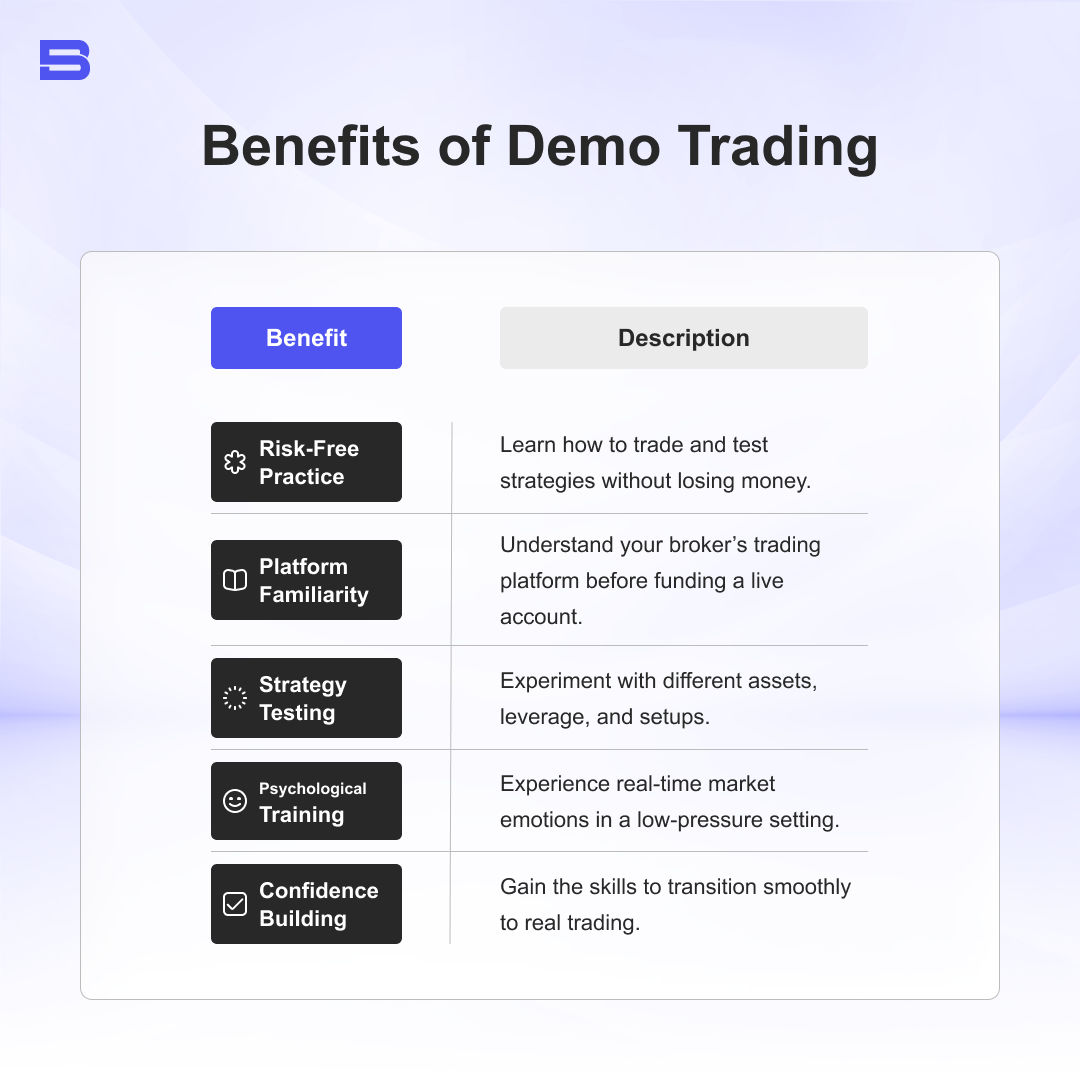
Even professionals use demo accounts to test new ideas or Expert Advisor (EA) strategies before applying them to their live accounts.
How to Open a Demo Account (Step-by-Step)
Most brokers make demo setups fast and free. Here’s how:
- Choose a Broker
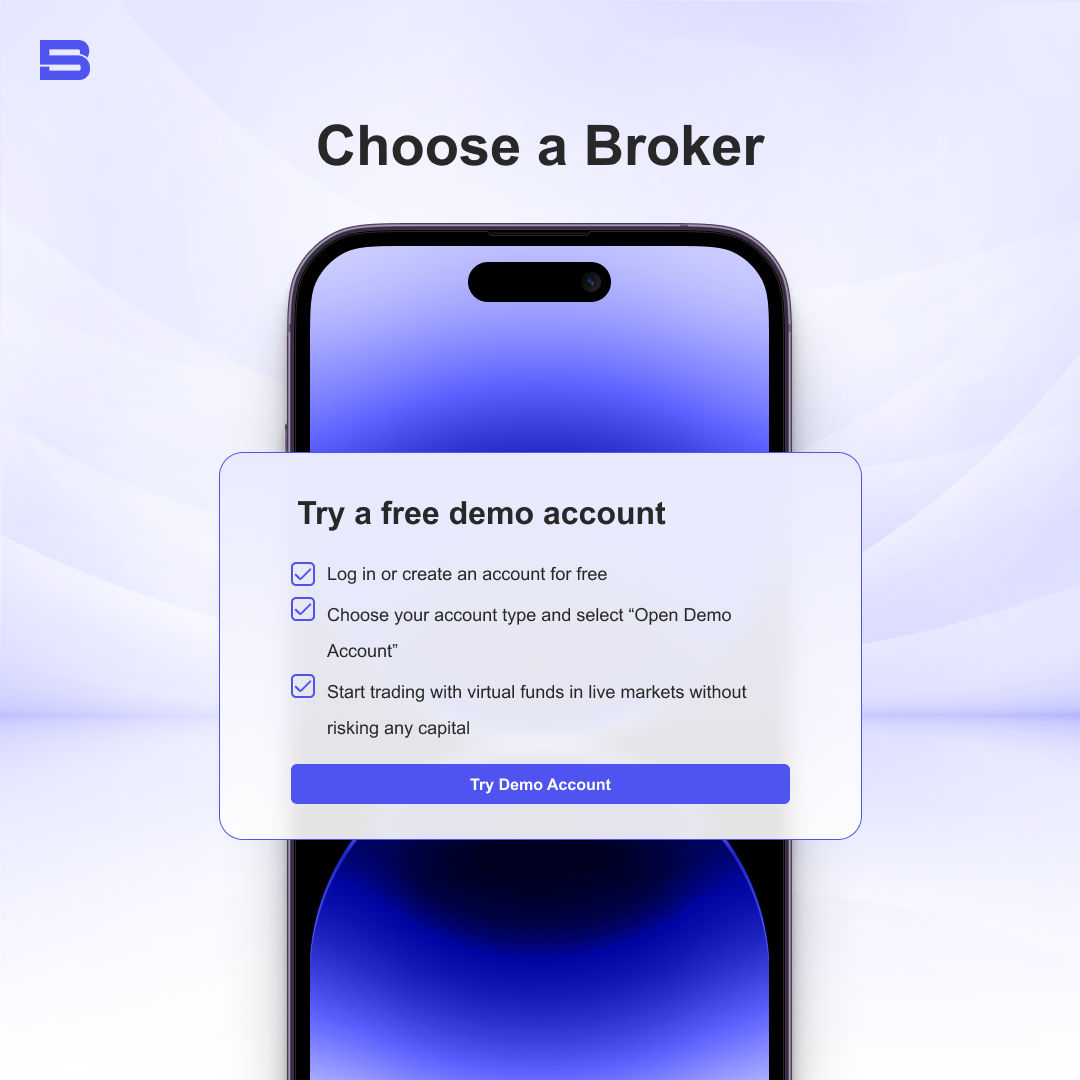
Visit the broker of your choice’s website. Look for “Demo Account” or “Try Free Demo” on the homepage. - Fill Out the Registration Form
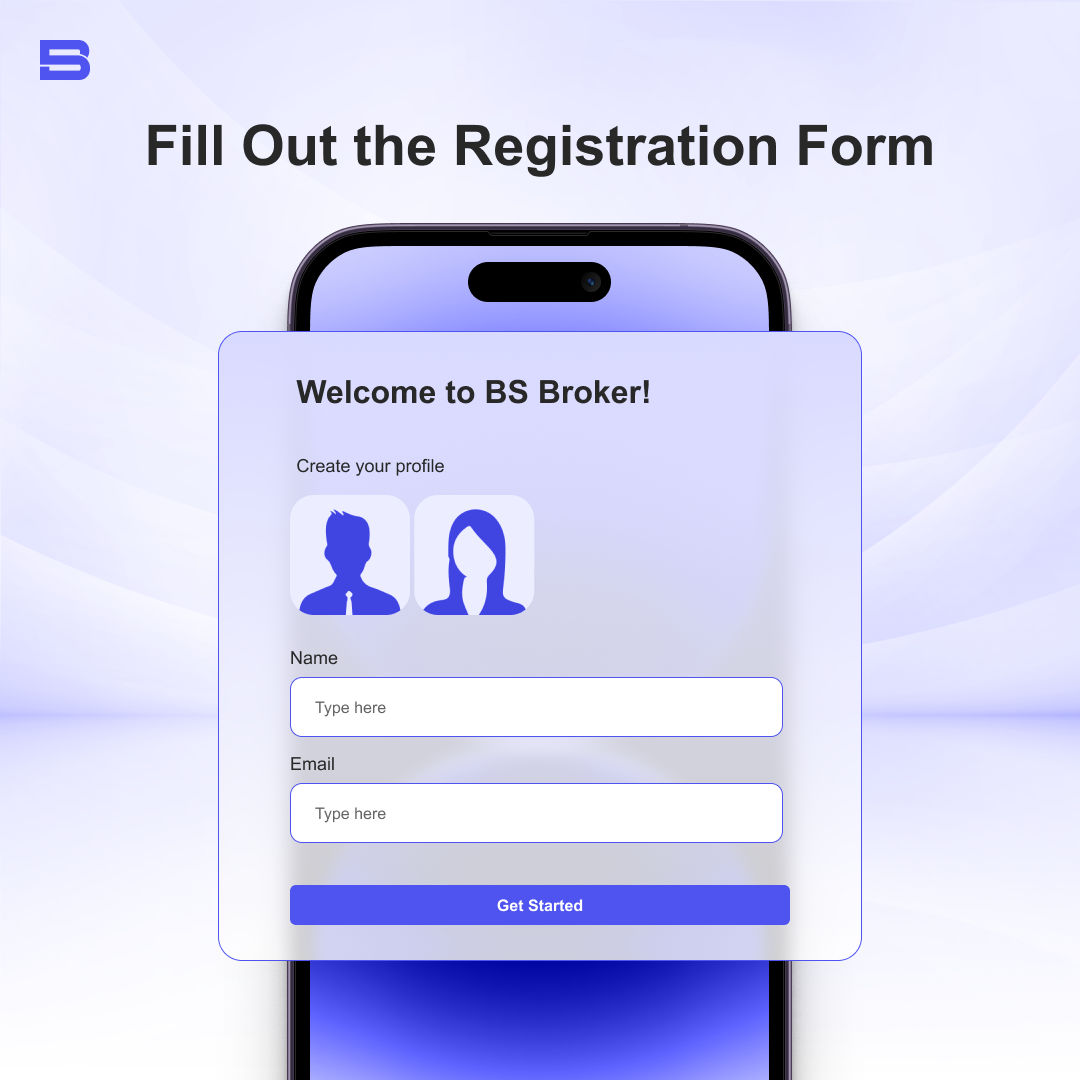 Provide basic details such as your name, email, and country. No ID or verification is needed for demo access.
 - Select Your Platform
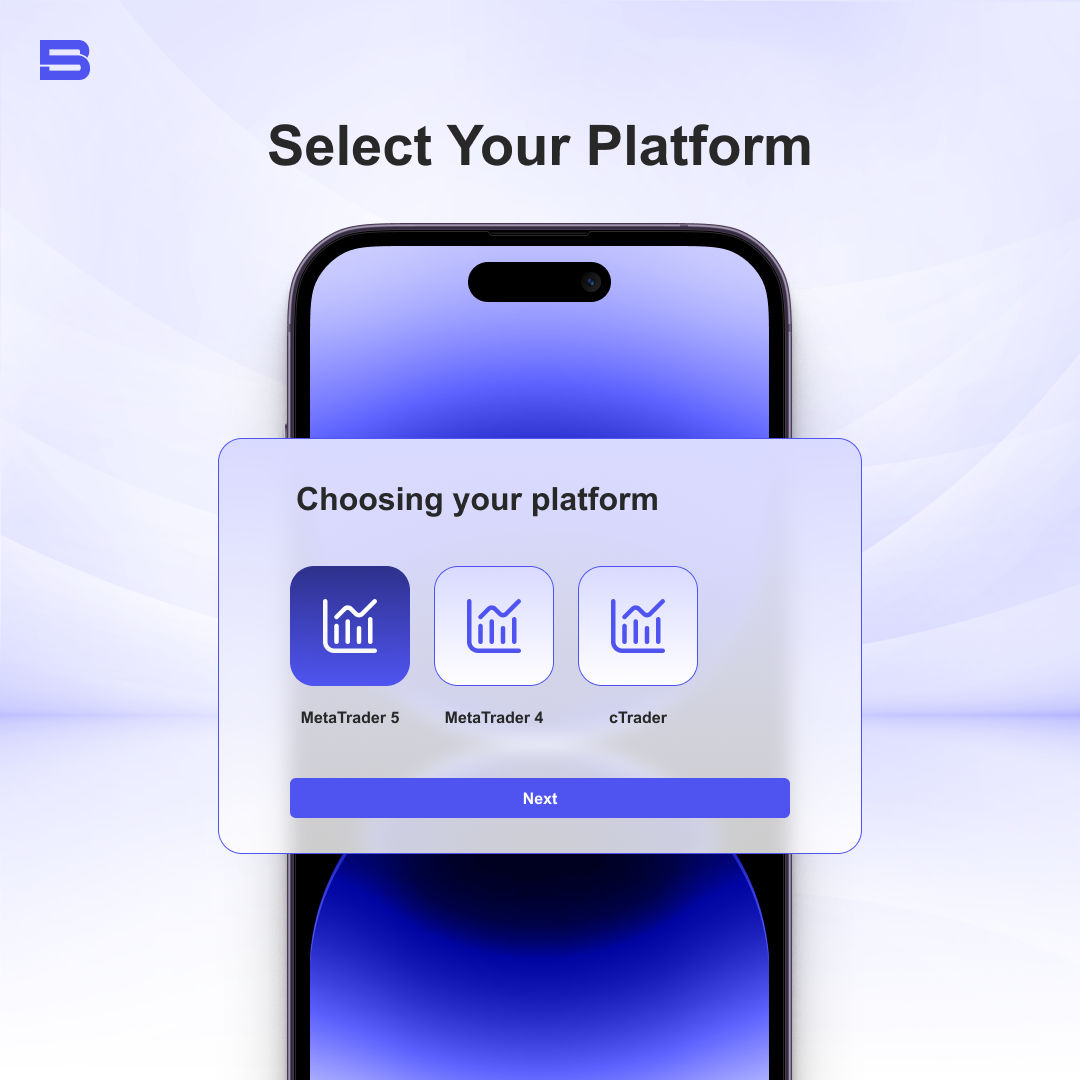
Choose between web-based, mobile, or desktop platforms (e.g., MetaTrader 4/5, cTrader, or the broker’s proprietary platform). - Set Virtual Balance and Preferences
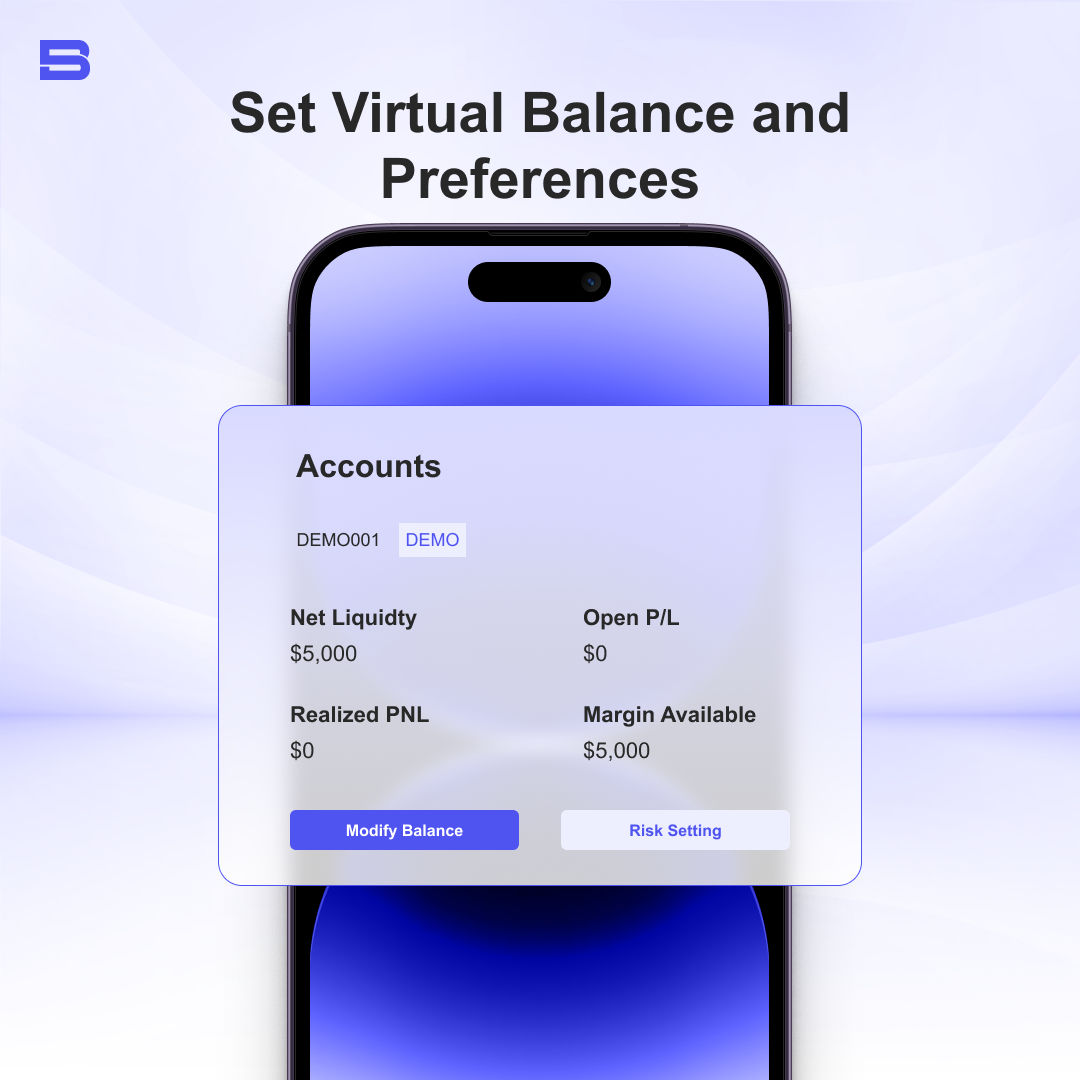 Most brokers give you between $10,000 and $100,000 in virtual funds. You can often adjust leverage, asset classes, and base currency.
 - Start Trading in Demo Mode
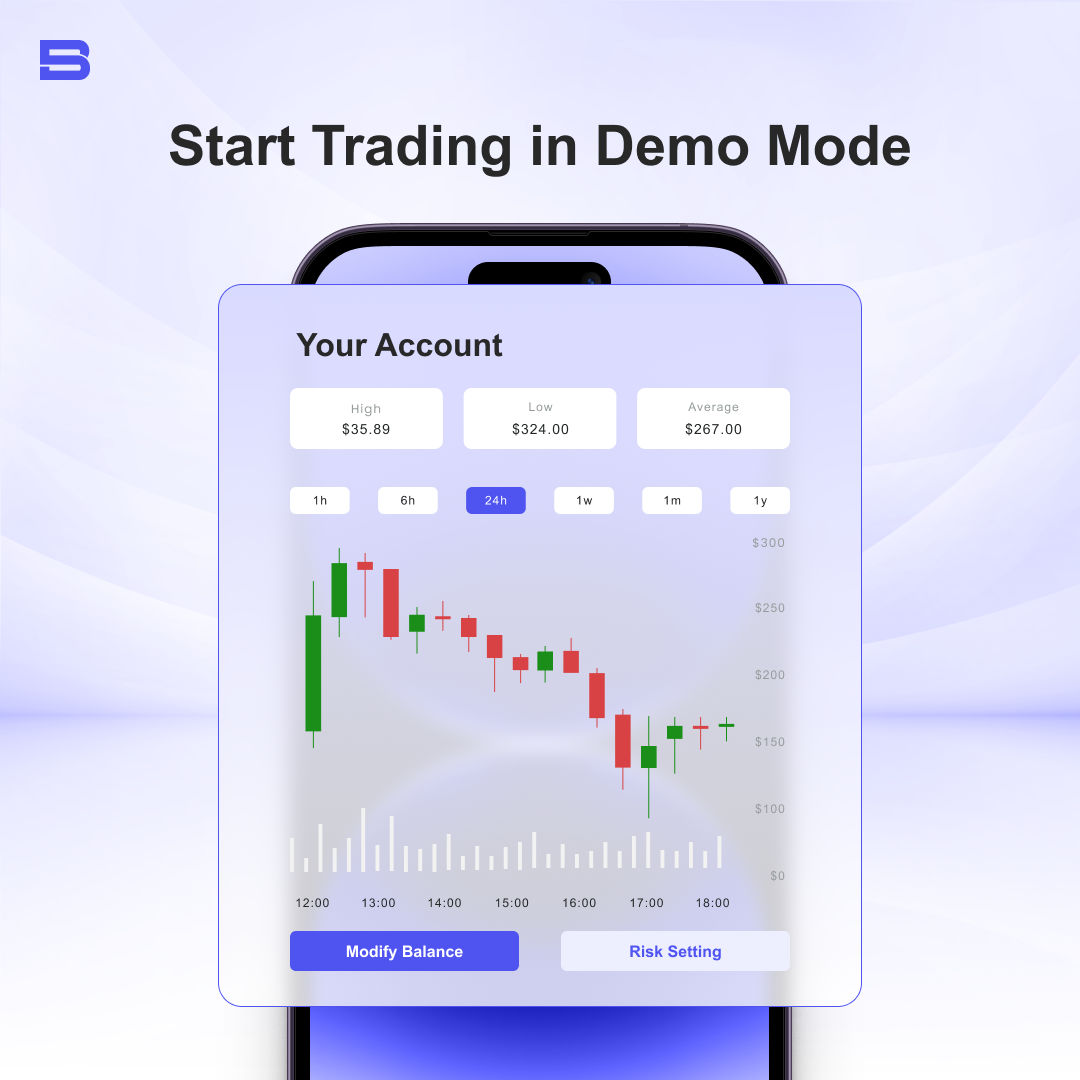
Recommended Demo Platforms
MetaTrader 4/5: Ideal for forex and CFD traders; simple interface, supports strategy backtesting.
TradingView: Great for chart analysis; intuitive and browser-based.
Transitioning from Demo to Live Trading
The demo account is your training ground; you want to ensure you’re prepared before diving into real markets. Before switching to a live account, here’s a checklist to gauge your preparations:
- A consistent winning strategy over at least 50 demo trades.
- Ability to manage losses without emotional decisions.
- Understanding of key metrics like risk-reward ratio, drawdowns, and how they affect your trading.
- Comfort navigating your broker’s platform.
Before committing your funds, ensure you’re confident in the services and assets your broker provides by comparing their features based on your priorities. Once ready, you can open a live account and start small—around 10–20% of your intended capital—while continuing to test new strategies in demo mode.
Common Mistakes to Avoid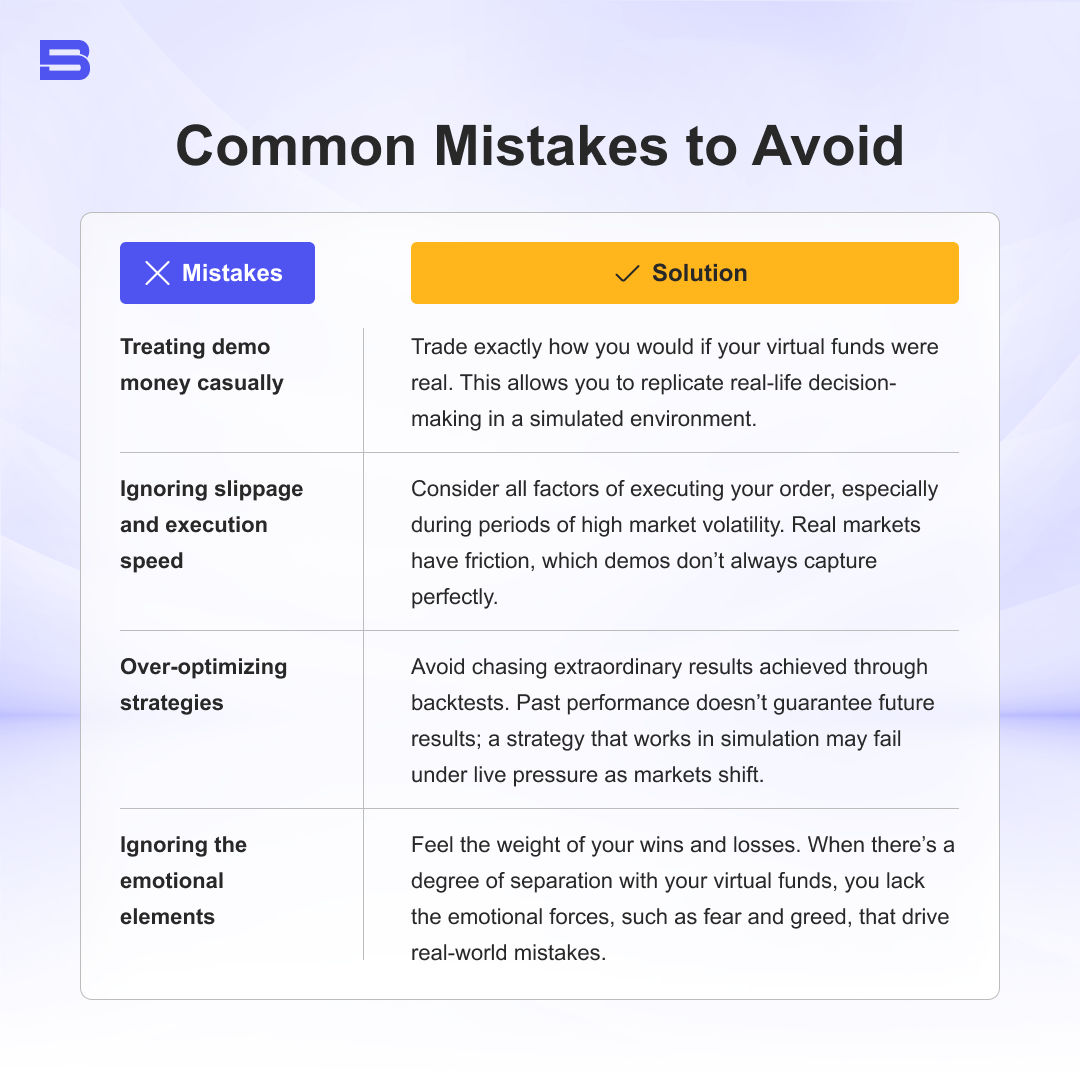
Final Thoughts
A demo account is the safest way to learn trading. It’s a low-pressure environment to test your skills, practice execution, and understand how markets move. Take it seriously, record your results, and transition gradually into live trading when ready.
It’s important to remember that results achieved in a demo environment do not guarantee or reflect real trading performance, as emotional, liquidity, and execution factors differ in live markets.
- How to Start Trading: A Step-by-Step Guide for Beginners
- Demo Trading Accounts: Safe Practice for Beginners
- Understanding How Much Capital You Need to Start Trading
- How to Set Realistic Trading Goals as a New Trader
- How to Open a Trading Account in Malaysia (Step-by-Step)
- How to Start Trading in Malaysia: A Guide for Beginners
- How to Create a Trading Plan Before You Start Trading
- What Is a Trading Account? Everything You Need to Know
- How to Learn Trading: Step-by-Step Beginner Roadmap
- What Is Stop Loss in Trading and How Does It Work?
- Why Every Trader Needs a Trading Journal
- Islamic Forex Account Explained: How Swap-Free Trading Works
- Funded Trading Account: Rules, Splits & Risks
- Master Money Management: Practical Capital Protection Rules
- Overtrading Explained: Common Causes, Signs, and How to Stop
- How Risk-Reward Ratio Works: A Guide to Trading Risk
- How to Open a Brokerage Account as a Beginner
- What Is a Cent Account Forex and How Does It Work?
- What Is an ECN Account and How Does It Work?
- What Is Cashback Forex and How Does It Work?
- Fixed Deposit vs Unit Trust: Key Differences for Investors
- Welcome Bonus Forex: What It Is and What to Watch For
- Forex Deposit Bonus: How It Works
- What Is Forex Rebate and How Does It Work?
- What Is Forex Free Credit and How Does It Work?
- Trading Webinars: Are They Worth Attending?
- Trading for Beginners PDF: What to Look For in a Good Guide
- Trading 101: How to Start Trading Safely and Effectively
Disclaimer: The content on this page is intended for educational and informational purposes only. It does not constitute financial, investment, tax, or legal advice, and should not be interpreted as a recommendation to buy, sell, or hold any financial instrument or asset. Trading and investing involve significant risk, including the possible loss of your entire capital. Products such as forex, CFDs, and cryptocurrencies carry additional risks due to leverage, high volatility, and limited regulatory protection in some jurisdictions. Past performance of any financial instrument does not guarantee future results. Any market views, forecasts, or opinions expressed are those of the author at the time of writing and may not reflect current market conditions. Platform features, fees, and regulatory status are subject to change — always verify information directly with the relevant provider or regulator before making any financial decision. BrokerSpecs may receive compensation from third parties featured on this site. Always conduct your own due diligence and consider seeking advice from a licensed financial professional before investing.